
In brief
Yes, it is confirmed: ServiceNow now provides native support for the Model Context Protocol (MCP), in both directions.
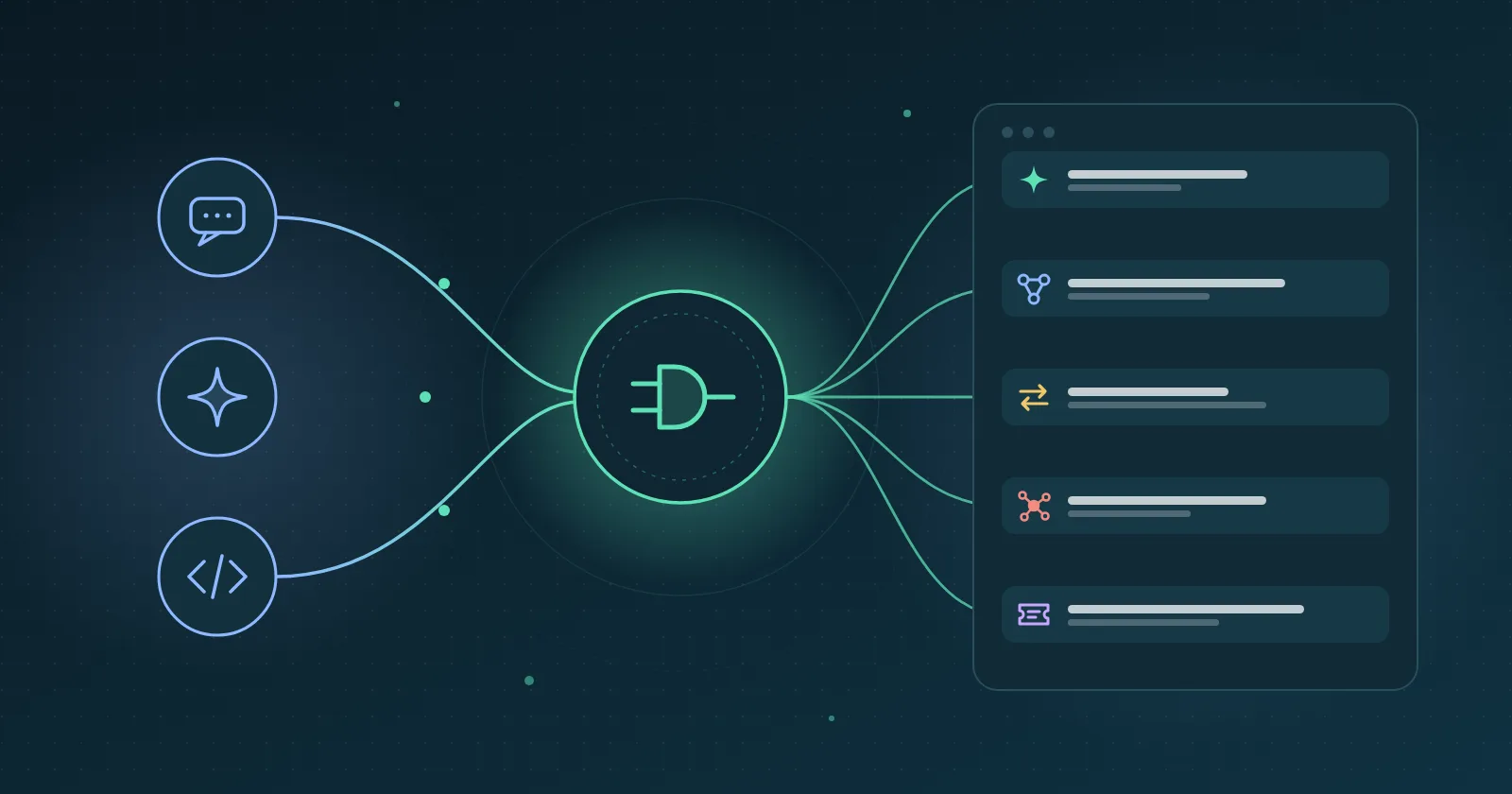
With MCP Server Console, a ServiceNow instance becomes an MCP server that Claude, Microsoft Copilot, or any other compatible MCP client can call. With the MCP client in AI Agent Studio, ServiceNow AI agents can in turn use external MCP servers.
The functionality was introduced with the Zurich release and has been significantly expanded since then. It is powerful but comes with boundaries: MCP Server Console requires the corresponding Now Assist prerequisites and entitlements, works with remote servers, uses MCP-compatible HTTP transports rather than Stdio, and does not yet support all MCP protocol primitives.
It is also important to distinguish the limitations of MCP Server Console from those of the broader ServiceNow MCP ecosystem: the different ServiceNow components do not all offer exactly the same capabilities.
MCP in two minutes
MCP is an open protocol that standardizes how an AI discovers and calls external "tools." Instead of building a specific integration for each assistant, you expose your capabilities once through an MCP server, and any compatible client can use them.
An MCP server can expose three types of primitives:
Tools: functions that the AI can execute, such as searching for an incident, launching an operation, or triggering a process.
Resources: data that the client can read as context.
Prompts: reusable instruction templates.
For MCP Server Console, the important point is that MCP primitives exposed as tools are currently at the heart of the integration: MCP Resources and Prompts are not supported by this component.
However, this does not mean that "ServiceNow only supports tools" across its entire MCP ecosystem. Other components, particularly around the Universal MCP Client in Workflow Data Fabric, may offer different capabilities.
What ServiceNow provides
The offering is built around several complementary components.
1. MCP Server Console - ServiceNow as a server
An administrator creates one or more MCP servers on the instance, associates tools with them, and configures their authentication.
Each server exposes an MCP endpoint that a compatible client can connect to.
A preconfigured Quickstart server (sn_mcp_server_default) is provided with four tools that can, among other things, search and summarize incidents and cases. The console also allows you to create MCP Apps, which can associate an interactive interface with certain tools.
Tools can be built from different platform artifacts. Over the course of several releases, ServiceNow has expanded this list.
Tool type | What the AI can do | Condition |
|---|---|---|
Now Assist skill | Generate AI content, such as a summary or a draft | Existing skill; some skill changes require the tool to be recreated |
Subflow | Trigger a synchronous business process | Compatible Subflow enabled for AI in Flow Designer |
Action | Launch a single Flow Designer operation | Depends on the exposed Action |
Scripted REST API | Read or modify data through an API | GET, POST, and PUT for Scripted REST tools; OpenAPI required for POST/PUT |
Knowledge Graph | Query data while taking relationships into account | Depends on the available graph |
AI Search | Search for information using AI Search capabilities | Available in recent MCP Server Console versions |
Playbook | Execute or leverage capabilities provided by Playbooks | Available in recent MCP Server Console versions |
This evolution is important: MCP Server Console is no longer limited to the five tool types available in its early versions.
2. MCP Client in AI Agent Studio - ServiceNow as a client
In the other direction, ServiceNow AI agents can use external MCP servers.
An external MCP server can be added to AI Agent Studio so that its tools become available to Now Assist agents.
Depending on the configuration, authentication can use OAuth, an API key, or a connection alias. A MID Server can also be involved in certain integration scenarios.
This allows, for example, a ServiceNow agent to complete a task by using the capabilities of an external tool: an internal system, a SaaS platform, or another platform exposing an MCP server.
3. AI Gateway in AI Control Tower - governance
AI Gateway provides the governance layer around AI connections and traffic.
It can, among other things, monitor connections, control traffic, apply policies, and contribute to detecting risks related to data or tools.
For a production environment, this layer becomes particularly valuable when MCP servers can not only read information but also execute actions in ServiceNow.
However, it is important to distinguish between a governance recommendation and a technical prerequisite: AI Gateway is not simply a mandatory requirement for MCP Server Console to function.
What you can actually do
The typical scenario is simple: a user asks a question through their usual assistant, and the assistant can use an MCP tool to act in ServiceNow without the user directly opening the instance.
Some realistic examples:
IT support from Claude or Copilot. "Summarize incident INC0012345 and tell me its current status": Quickstart tools can be used to search for and summarize incidents.
Customer service. An agent retrieves a customer's open cases and gets a summary before a call using case-related tools.
Employee self-service. "Request a new monitor" or "request access to this tool": an MCP tool can trigger an appropriate business process or Subflow.
There is, however, an important limitation to keep in mind: Subflows exposed as MCP tools must be compatible with synchronous execution. A Subflow that waits for human approval, contains a wait step, or depends on asynchronous execution cannot simply be exposed as a single MCP tool that remains open until the entire process is completed.
Impact analysis. "Which services depend on this server? Who is responsible for them?": Knowledge Graph capabilities can leverage relationships between CIs, services, and other data.
Business data updates. A Scripted REST API exposed as an MCP tool can allow certain data to be created or modified through POST or PUT.
Augmented search. AI Search tools can expose ServiceNow search capabilities to an MCP client.
Business automation. Playbooks can also be exposed in recent versions of MCP Server Console.
ServiceNow agents reaching outside the platform. In the other direction, a Now Assist agent can call an external MCP server to complete its work using capabilities that are not natively available in ServiceNow.
How many tools should you put on a server?
ServiceNow recommends starting from the business use case, rather than simply grouping as many capabilities as possible on the same server.
A comfortable target is generally around 5 to 8 tools. Between 8 and 12 tools, it can still remain reasonable. When the number becomes significantly larger, it may be preferable to split the capabilities across several servers corresponding to distinct use cases.
The goal is to make it easy for the model to choose the right tool. A very large catalog or imprecise descriptions can increase the risk of incorrect choices and unnecessarily consume the model's context window.
The description of the tools is therefore just as important as their technical implementation.
Setup
You need an instance with the required ServiceNow prerequisites, as well as the required Now Assist applications and entitlements.
The general steps are as follows:
Check the version. The available capabilities depend heavily on the MCP Server Console version and patch. The early versions required specific Zurich or Australia patch levels, while more recent versions have added new capabilities.
Install the prerequisites. Enable the required Now Assist applications, Generative AI Controller, and MCP Server Console (
sn_mcp_server) according to the prerequisites for the version being used.Assign the roles. MCP administration roles allow you to create and manage servers and tools. Governance roles allow you to manage the corresponding capabilities in AI Control Tower.
Create the server and its tools. A server must expose at least one tool. For each tool, define the parameters exposed to the client and the appropriate annotations.
Configure authentication. MCP Server Console can use OAuth. Recent versions also provide mechanisms designed to simplify client registration, including the Client ID Metadata Document (CIMD).
Configure the MCP client. The client uses the server URL and the configured authentication mechanism to discover and then call the available tools.
From a security perspective, tool calls must comply with the ServiceNow security mechanisms applicable to the scenario: ACLs, roles, and field-level security.
For autonomous scenarios, you should also consider the identity used to execute actions and the privileges granted to it.
The limitations you need to know
MCP Server Console covers a significant part of the MCP protocol, but not all of its capabilities yet.
Area | Limitation | Practical consequence |
|---|---|---|
MCP primitives | MCP Resources and Prompts are not supported by MCP Server Console | Capabilities exposed by this component are primarily provided through tools |
Server type | Remote MCP servers | A local server directly integrated through Stdio cannot be used as such |
Transport | MCP-compatible HTTP; Stdio is not supported by MCP Server Console | Clients that only support Stdio cannot connect directly |
Client registration | Dynamic Client Registration (DCR) is not supported | Registration remains controlled on the ServiceNow side; CIMD and registration assistants can simplify the process |
OAuth | Some methods, particularly OAuth Client Credentials, still depend on the product capabilities/version | Machine-to-machine integrations must be verified on a case-by-case basis |
Subflows | Asynchronous Subflows or Subflows containing wait steps are not eligible | Long-running or human-in-the-loop processes must be designed differently |
REST API | MCP Server Console Scripted REST tools support GET, POST, and PUT | DELETE and PATCH are not available as Scripted REST MCP operations in this context |
Skills | Some changes to a skill are not automatically reflected in an existing tool | The tool may need to be recreated after the skill is changed |
Rate limiting | Rate limiting and throttling mechanisms are available | MCP traffic can be controlled and monitored; rate limiting should no longer be considered completely non-configurable |
Versions | Capabilities depend heavily on the MCP Server Console version | An older instance may not have the latest tool types or features |
License | MCP Server Console capabilities depend on the required Now Assist prerequisites and entitlements | Available rights and licenses should be verified before deployment |
Limitations that are evolving rapidly
One of the particular characteristics of MCP in ServiceNow is how quickly the product is evolving.
The early versions focused primarily on Now Assist Skills. Subsequent versions added Knowledge Graph, Subflows, Actions, and Scripted REST APIs, followed by other capabilities such as AI Search and Playbooks, as well as governance, monitoring, and client-management features.
It is therefore important not to consider any list of limitations as definitive.
For a real-world project, the right approach is to verify the exact version of MCP Server Console installed on the instance and the corresponding release notes.
The real points to watch
Beyond the technical limitations, two topics deserve particular attention.
1. Tool design
An MCP server is not better simply because it exposes a large number of tools.
Tools that are too generic, poorly named, or poorly described can cause the model to choose the wrong action. Conversely, well-defined tools with precise descriptions and clearly defined parameters make it easier for the model to reason about which capability to use.
It is therefore preferable to design the server around a business use case, rather than turning the entire ServiceNow instance into a huge tool catalog.
2. The ability to write to ServiceNow
Giving an AI the ability to simply read an incident does not carry the same level of risk as allowing it to:
create a record;
modify business data;
trigger a process;
launch an automation;
execute a potentially destructive action.
Write-enabled tools should therefore be designed with a genuine governance strategy: least-privilege permissions, an appropriate identity, traceability, sensitive-data controls, and tool supervision.
This is precisely where AI Gateway and AI Control Tower capabilities become particularly important.
Conclusion
ServiceNow MCP is progressively transforming the instance into a platform of capabilities that AI assistants and agents can discover and use, while preserving the platform's existing security and governance mechanisms.
The most interesting aspect is that the integration works in both directions:
ServiceNow as an MCP server: Claude, Copilot, or another client can use ServiceNow capabilities;
ServiceNow as an MCP client: Now Assist agents can use capabilities exposed by external systems.
To get started, the simplest approach is to test the Quickstart server with read-only operations, then progressively add more powerful business tools.
However, keep in mind that MCP Server Console is not yet a complete implementation of every MCP primitive. Resources and Prompts are not available in this component, Stdio is not supported, Dynamic Client Registration is not available, and some limitations still depend on the installed version.
Most importantly, the capabilities are evolving rapidly. A limitation that is valid in one version may disappear a few months later.
The right question is therefore no longer simply, "Does ServiceNow support MCP?", but rather:
Which part of MCP, in which ServiceNow component, with which version, and with what level of governance?
This distinction is what makes it possible to truly understand what can be built with MCP and ServiceNow in 2026.
Sources
Exploring MCP Server Console - official ServiceNow documentation
Configuring MCP Server Console - official ServiceNow documentation
Create a tool for an MCP server - official ServiceNow documentation
Configure an MCP client to connect to an MCP server - official ServiceNow documentation
Add an MCP server in AI Agent Studio - official ServiceNow documentation
AI Gateway - official ServiceNow documentation
MCP Server Console release notes - Brazil - official ServiceNow documentation
MCP Server Console release notes - Zurich - official ServiceNow documentation
MCP Server Console FAQ - ServiceNow Community
What's new in MCP Server Console - ServiceNow Community
Designing your first custom ServiceNow MCP server - ServiceNow Community
Action Fabric: MCP Server, MCP Client and A2A explained - ServiceNow Community
Server concepts - official Model Context Protocol documentation